DarkMatter DevNotes
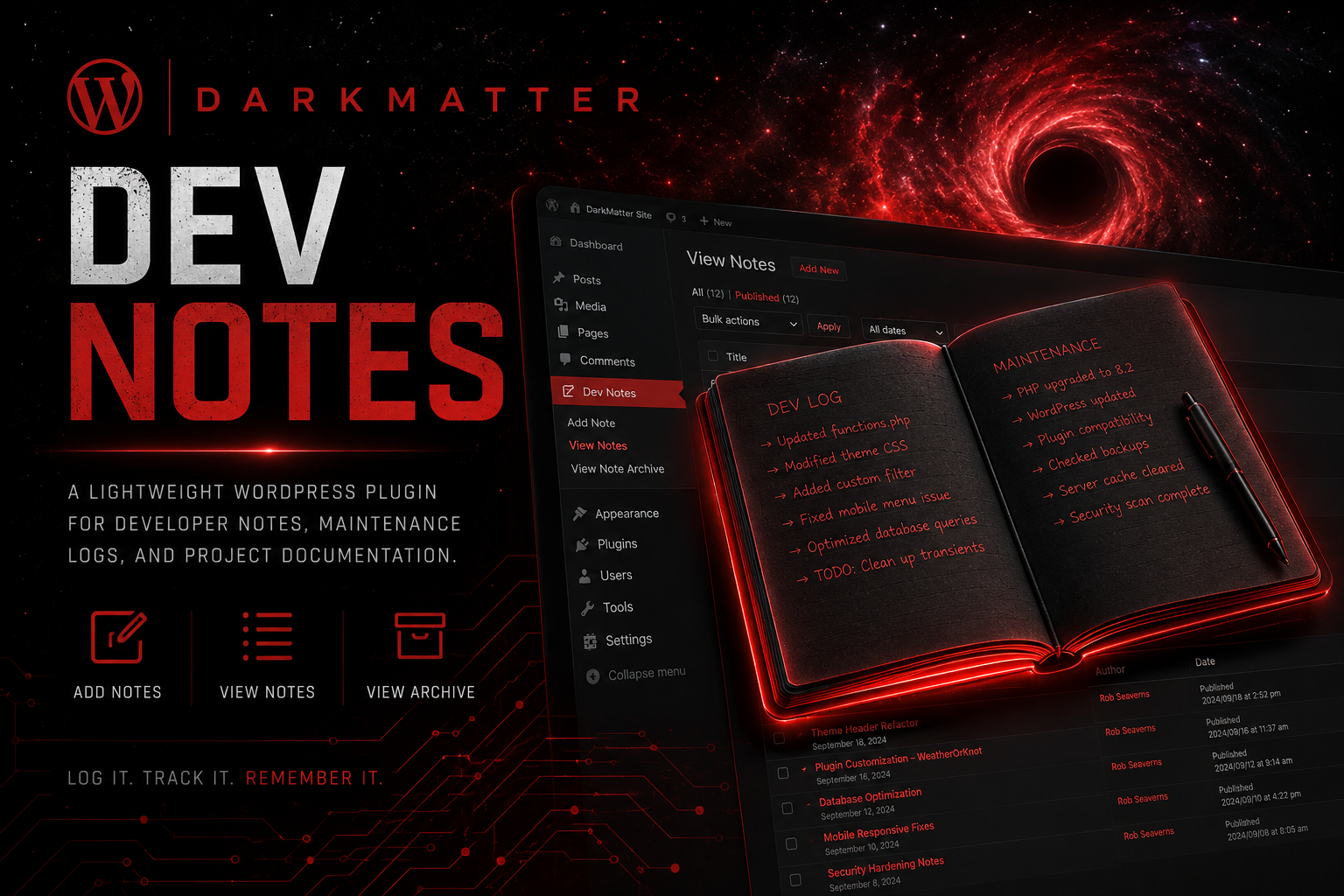
A lightweight WordPress dashboard notepad for developer logs, maintenance records, project notes, upgrade reminders, and the sacred ancient question: “What did I change and why?”
Simple by Design
DarkMatter DevNotes does one thing cleanly: it gives WordPress developers and site maintainers a private dashboard space for notes without adding bloat, custom tables, frontend noise, or cosmic spaghetti.
Native Editor
Uses the default WordPress editor experience already active on the site. No extra editor framework required.
Own Admin Menu
Adds a dedicated Dev Notes dashboard menu with Add Note, View Notes, and View Note Archive.
Private Notes
Notes are stored as a non-public custom post type for admin-side developer records.
Built For Real Work
Use it as a maintenance log, development scratchpad, internal documentation area, or a quiet little black-box recorder for your WordPress changes.
- Track theme edits
- Record plugin modifications
- Save maintenance notes
- Document server changes
- Store TODO lists
- Keep upgrade notes
- Archive old development notes
Install
Upload the plugin folder to WordPress, activate it, and the Dev Notes menu appears in the dashboard.
└── darkmatter-devnotes.php
Download
Download the latest version of DarkMatter DevNotes and drop it into your WordPress plugins directory.
Simple by Design
A lightweight WordPress dashboard notepad for developer logs, maintenance records, project notes, upgrade reminders, and the sacred ancient question: “What did I change and why?”
DarkMatter DevNotes does one thing cleanly: it gives WordPress developers and site maintainers a private dashboard space for notes without adding bloat, custom tables, frontend noise, or cosmic spaghetti.